
3BA JOURNAL / ORIGINAL ARTICLE
Best Support Settings For Cura + How To Remove Them From 3D Print
From the 3BA archive. This article preserves its original publication date and historical content. Product availability, offers and technical or medical information may have changed; contact the team for current advice.
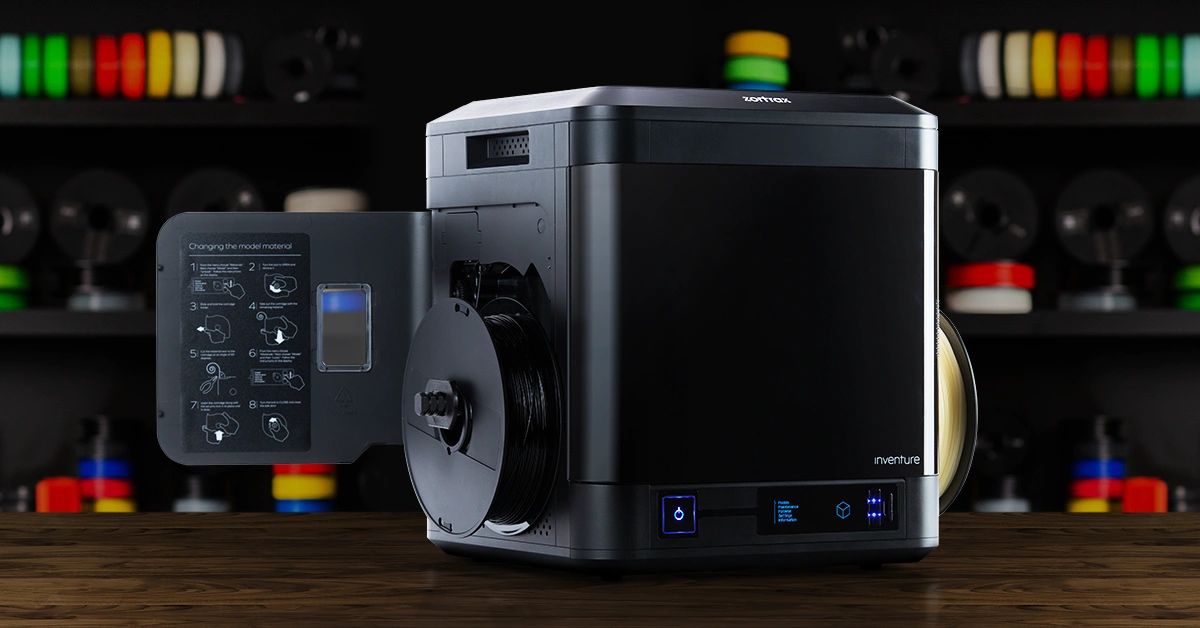
Mechanically removing 3d printed support can be incredibly frustrating, time consuming, and can ruin your model. Not everyone has access to a dual-extruder printer that can use water soluble support, such as the Zortrax Inventure and Z-support premium. However, all is not lost. With proper support settings, removing supports from 3d prints can become very easy. With the correct settings, support can be successfully used with a wide range of filaments, including PETG, which is notoriously difficult to successfully use support with.
1. Support Interface
The support interface is perhaps the most important, and often overlooked setting. Across all of our printers that use Cura, we have our support interface at 90% density, with a thickness of 1mm.
2. Fan speed override
Some plastics, such as PETG, do not require full fan speed. Thus, fan speed override is necessary to ensure that the bonding between the support and the part is not too strong. We usually have our fan speed override at 100% fan speed for overhanging areas.
3. Support Z distance
The default Z distance for Cura supports is 2x the layer height. We found that this is woefully insufficient, and results in terrible overhangs. We recommend that your Z distance is 1x the layer height, or 1.2x the layer height for difficult filaments, such as PETG.
4. Z overides X/Y
It is important to make sure that your Z-distance overrides your X/Y distance, as this ensures that your prints will not fuse to the print.
5. Minimum support X/Y distance
This setting is up to the user. You want the distance to be large enough that the support does not fuse to the print, but not so large that the support bridges. A value of 0.8 is a good starting point.
6. Support speed
The support speed should be lower than the outer wall speed. This will allow for greater cooling, allowing for supports to break off easier after the print is completed.
7. Break up support in chunks
This will allow for supports to break off easier.
8. Support density
Our support density varies depending on the print, bu 12% is a good place to start.
9. (Optional) Conical support.
This setting allows for less support material to be used during the print, by making the base of the support thinner than the top. Ensure that you do not make the base so small that it does not have good adhesion to the build plate.
If you just want a printer that prints easily removable supports with 0 hassle, or a printer that can use water-soluble support, take a look at our Zortrax line of printers.