3BA JOURNAL / ORIGINAL ARTICLE
Trick To Successfully 3D Printing Petg on Standard FDM Devices.
From the 3BA archive. This article preserves its original publication date and historical content. Product availability, offers and technical or medical information may have changed; contact the team for current advice.
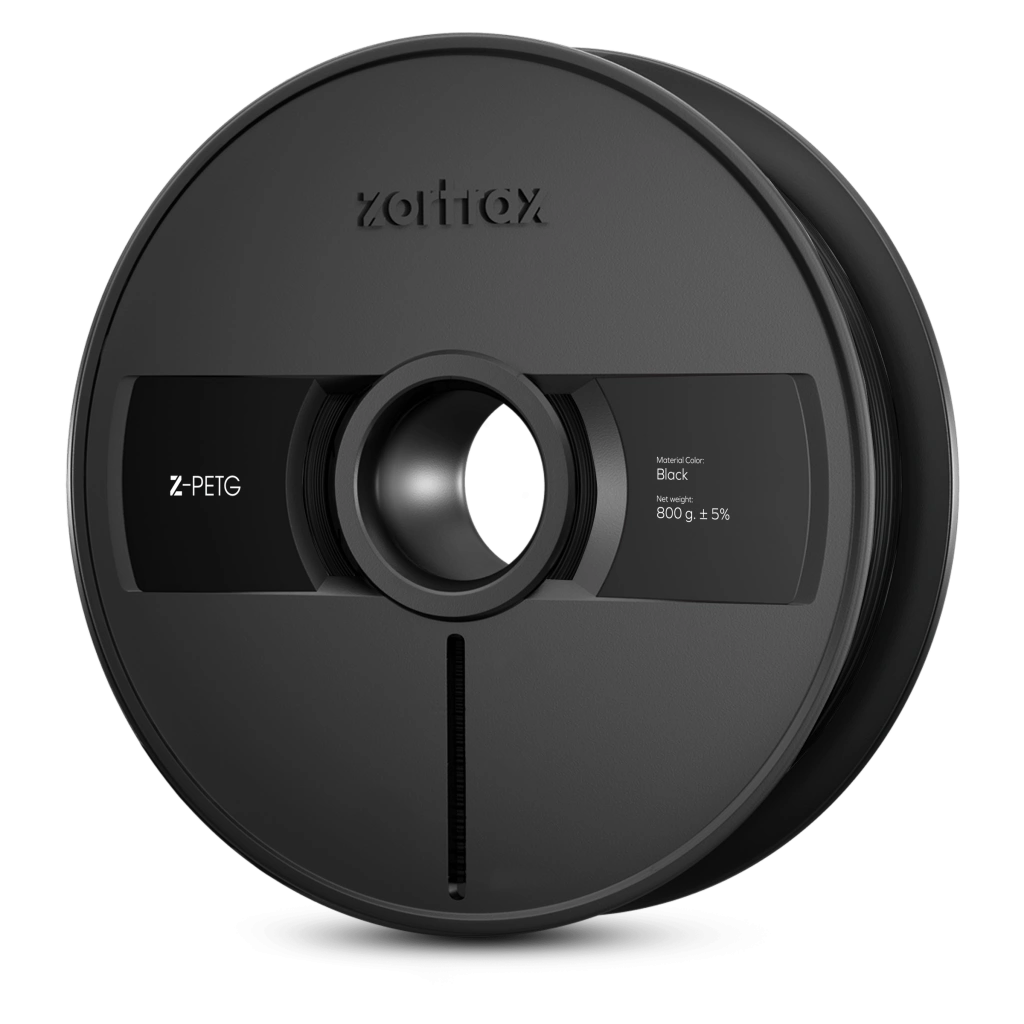
PETG filament is a relatively new flavor of thermoplastic that combines the strength of ABS with high dimensional accuracy, no fumes, and great chemical resistance. However, many who try to print with PETG complain about how stringy it is. However, with some tweaking of your slicer settings, you can get to 3d printing petg with great results.
Fan speed:
When it comes to PETG, a high fan speed has some tradeoffs. The higher the fan speed, the better the surface quality of your print will be. However, higher fan speed will reduce the layer adhesion of PETG, which in some cases may cause cracking, and in most, will reduce the strength that is one of the desired traits of this filament. When printed PETG, we generally keep our fan speed below 60%, with fan speed override of 100% for overhangs, to prevent support from fusing to the model. Smaller models with detailed components may need a higher fan speed.
Retraction:
Your retraction settings will vary depending on the length of the melt zone of your printer, as well as if you have a bowden or direct drive machine. The length of your retraction is important, but not so much as the speed. The retraction length for direct drive printers ranges from 1-2 mm, while bowden printers can range anywhere from 4-10mm, depending on factors such as length of the bowden tube, and length of the heatbreak. Retraction speed for PETG is recommended to be 30 and below. PETG is more flexible than PLA and ABS, and thus, the high retraction speeds for these filaments is not compatible for PETG. Value that work perfectly for us on the ender 3, are 30mm/s and 3mm.
Temperature:
The ideal petg printing temperature temperature varies by brand and you should always refer to what the manufacturer of the PETG recommends. A range of 235-250 degrees is often what most brands of PETG print best at. However, if you have a printer that has a bowden lined (not all metal hot end) it is best to not exceed 235, as the off-gassing of your PTFE tube can pose some health hazards. The Ender 3, for example, does not have an all-metal hot end. Some printers that do have all-metal hot ends, include: Zortrax and WASP lines of printers.
Build plate adhesion.
PETG often sticks too much to glass, and flat PEI sheets. It is recommended to use textured PEI sheets, and to use gluestick when printing with glass. Glue stick will prevent PETG from over-adhering, and tearing chunks out of the glass. It is also important to note that PETG does not like to be squished onto the build plate like PLA and ABS. As a rule of thumb, you want the distance from the bed to the build plate to be as much as the layer height for PETG. This is easy to do if you have an auto bed leveling system, but will require some trial and error if you do not.
Speed:
PETG requires lower print speeds than PLA. We usually keep our PETG printing speeds at 30 and below, although with the right settings, higher print speeds are certainly possible.
Acceleration and jerk
One often overlooked tool for printing PETG is acceleration and jerk control. More specifically, the travel acceleration and jerk values are very useful. It is important to not turn them up so far as to get ringing, or thick stringing caused by the movement speed being too fast for the part to cool down properly. However, slightly increasing your travel acceleration and jerk will help reduce stringing.
Printer upgrades
If you want to consistently print PETG, here are some printer upgrades to consider.
1. The most important upgrade for printing anything other than PLA, is an all-metal hot end. If you have an ender 3 or CR10 and are interested in seeing our all metal upgrades, as well as reading about how to perform them, check out our YouTube channel.
2. A plated copper nozzle with anti-stick coating will do wonders for printing PETG. You must first see if your hot end takes MK6,8,10, or E3DV6 type nozzles. A copper nozzle will allow for better flow control, and the anti-stick coating will prevent nasty burnt bits of filament from sticking to your nozzle and heatblock- a very common issue with PETG.
3. A bi-metal heat break is one of the best upgrades any printer can get. It will allow for much better thermal control, prevent oozing and stringing, and improve surface quality.
4. If you plan to print PETG consistently, it is a good idea to upgrade to direct drive. We upgraded our ender 3 to direct drive. If you are interested, check out our YouTube channel.
Other tips:
PETG is a very stringy plastic. One way of reducing this is by reducing your flow.
Coasting is a very good setting for reducing stringing with PETG. For us, the default Cura coasting values were fine. However, coasting can result in blobbing and other surface artifacts.
Combing is a must have for printing PETG. The best combing settings for PETG on Cura are within infill, and not in skin.
Some printers have a tendency to prime slightly more plastic than was retracted. Thus, a useful setting in Cura is the retraction extra prime amount. A value of -0.1 to -0.5 is ok. Cura will mark this as orange, but it is perfectly safe to do.
If you want to print PETG, and other advanced filaments such as Nylon with 0 hassle, consider looking at our Zortrax product line: